Tools that finally talk to each other.
We connect the software you keep — ERP, CRM, accounting, payments, marketplaces and WhatsApp — so data moves once and everyone sees the same numbers.
- ERP & accounting
- CRM sync
- Payment gateways
- Marketplaces
- WhatsApp API
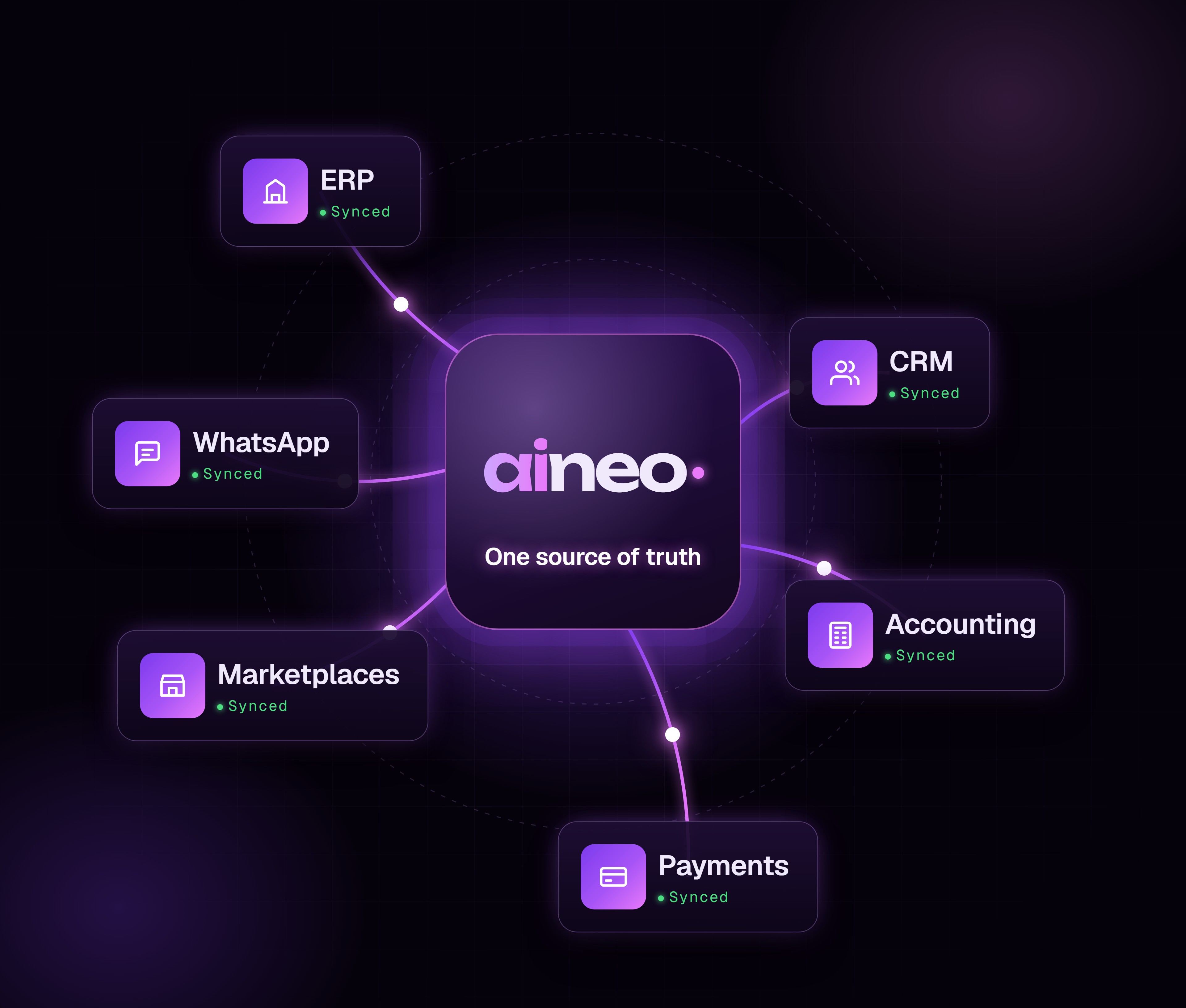 OnceData entered, used everywhere
Data entered once, everywhere at the same moment.
OnceData entered, used everywhere
Data entered once, everywhere at the same moment.
OnceData entered, used everywhere
1Stock count across channels
0Copy-paste between tools
01 / OverviewWhat this actually is.
Keep the tools that work. Connect them.
You don't need to throw away software that works. The problem is that your tools don't talk — so people copy data between them, and the numbers never match.
We connect them. Orders, stock, invoices, payments and messages flow between your systems automatically, in real time.
The result is one source of truth — and a team that stops re-typing.
03 / BenefitsWhat your team gains.
Benefits
- Data entered once, used everywhere
- Numbers that match across every tool
- No more copy-paste mistakes
- Real-time updates, not end-of-day batches
- Keep the software your team knows
- New tools easy to plug in later
04 / Use casesWhere it earns its keep.
Use cases
01
Multi-channel stock
One count across store, marketplaces and warehouse.
02
Order to invoice
Orders create invoices in your accounting tool.
03
Payment updates
Payments marked paid the moment they land.
04
CRM to ERP
Won deals become orders without re-typing.
05
WhatsApp updates
Customers notified automatically at each step.
06
Reporting feeds
Every tool feeding one dashboard.
05 / ProcessHow we roll it out.
Process
- Step 01
List the tools
Every system you use, and what data moves between them.
- Step 02
Design the flows
What syncs, when, and which system wins on conflict.
- Step 03
Build and test
Integrations built with retries and error alerts.
- Step 04
Monitor
Every sync logged, so problems are caught early.
Stack
- REST & webhooks
- Node.js
- Tally / Zoho
- Razorpay
- Shopify
- WhatsApp API
What you receive
- Integration map
- Two-way connections
- Error alerts and retries
- Sync logs
- One live dashboard
- Documentation
06 / Case studyProof, not promises.

1 count
Showofff
Store, marketplaces and warehouse share one stock count — the team stopped reconciling spreadsheets.
Read the case study →07 / FAQsCommon questions, answered.
FAQs
Most — if a tool has an API, export or webhook, we can connect it.
It retries automatically, and you're alerted if it still can't complete.
No — integrations let you keep the tools your team already knows.
Usually yes; some older tools sync on a short schedule instead.
Ready to move forward
How many times is the same data typed?
List the tools you use. We'll show you how to connect them.