See the whole business, live.
Your scattered data turned into one live view — dashboards, KPIs and reports that tell you what's happening now, and what's coming next.
- Live dashboards
- KPI tracking
- Automated reports
- Forecasting
- Data platforms
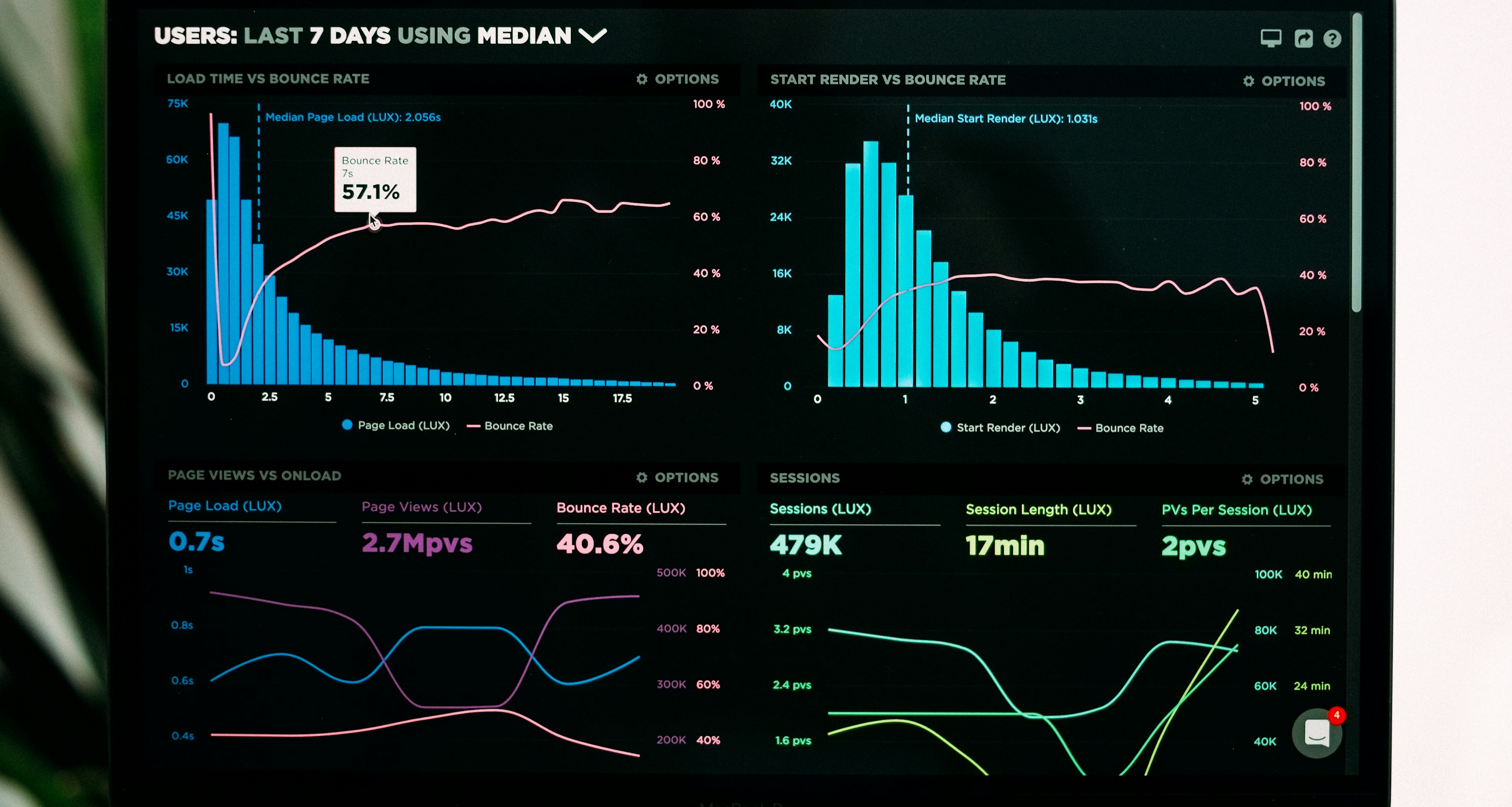 LiveNumbers, not last month's
The numbers your team needs, before they ask for them.
LiveNumbers, not last month's
The numbers your team needs, before they ask for them.
LiveNumbers, not last month's
1Screen for the whole business
AutoReports on schedule
01 / OverviewWhat this actually is.
Decisions are only as good as the numbers.
In most businesses the data exists — it's just spread across tools, sheets and people's heads. By the time a report is ready, it's out of date.
We connect your sources, clean the data and build live dashboards around the decisions you actually make.
Then we go further — forecasts that show demand, delays and risk before they land.
03 / BenefitsWhat your team gains.
Benefits
- One version of the truth for every team
- Reports that build themselves
- Problems spotted early, not at month-end
- Leaders see what matters at a glance
- Forecasts based on your own history
- No more manual spreadsheet reports
04 / Use casesWhere it earns its keep.
Use cases
01
Sales dashboard
Pipeline, conversions and revenue, live.
02
Operations view
Orders, stock and delays across locations.
03
Finance tracking
Cash, dues and collections on one screen.
04
Morning report
A daily summary in your inbox or WhatsApp.
05
Demand forecasting
Plan stock and staff from real trends.
06
Management review
The numbers for every meeting, ready.
05 / ProcessHow we roll it out.
Process
- Step 01
Map the decisions
We start with what you need to decide, not the data.
- Step 02
Connect the sources
Your tools joined into one clean data layer.
- Step 03
Build the views
Dashboards and reports designed with your team.
- Step 04
Forecast and refine
Predictions added once the basics are trusted.
Stack
- PostgreSQL
- Python
- dbt
- Metabase
- Power BI
- Scheduled jobs
What you receive
- KPI and decision map
- Clean, joined data layer
- Live dashboards
- Automated daily reports
- Forecast models
- Documentation and training
06 / Case studyProof, not promises.

1 count
Showofff
Store, marketplaces and warehouse share one stock count — the team stopped reconciling spreadsheets.
Read the case study →07 / FAQsCommon questions, answered.
FAQs
No. We set everything up and keep it running; your team just uses the dashboards.
Most — CRMs, ERPs, accounting, stores, spreadsheets and databases.
As live as your sources allow — many dashboards refresh every few minutes.
Yes — daily summaries can be sent by email or WhatsApp.
Ready to move forward
What number do you wish you knew right now?
Tell us. We'll show you how to have it on screen, live.