Capability 01
Field sales & dealers
Visits and orders logged on the spot, with every dealer's history in view.
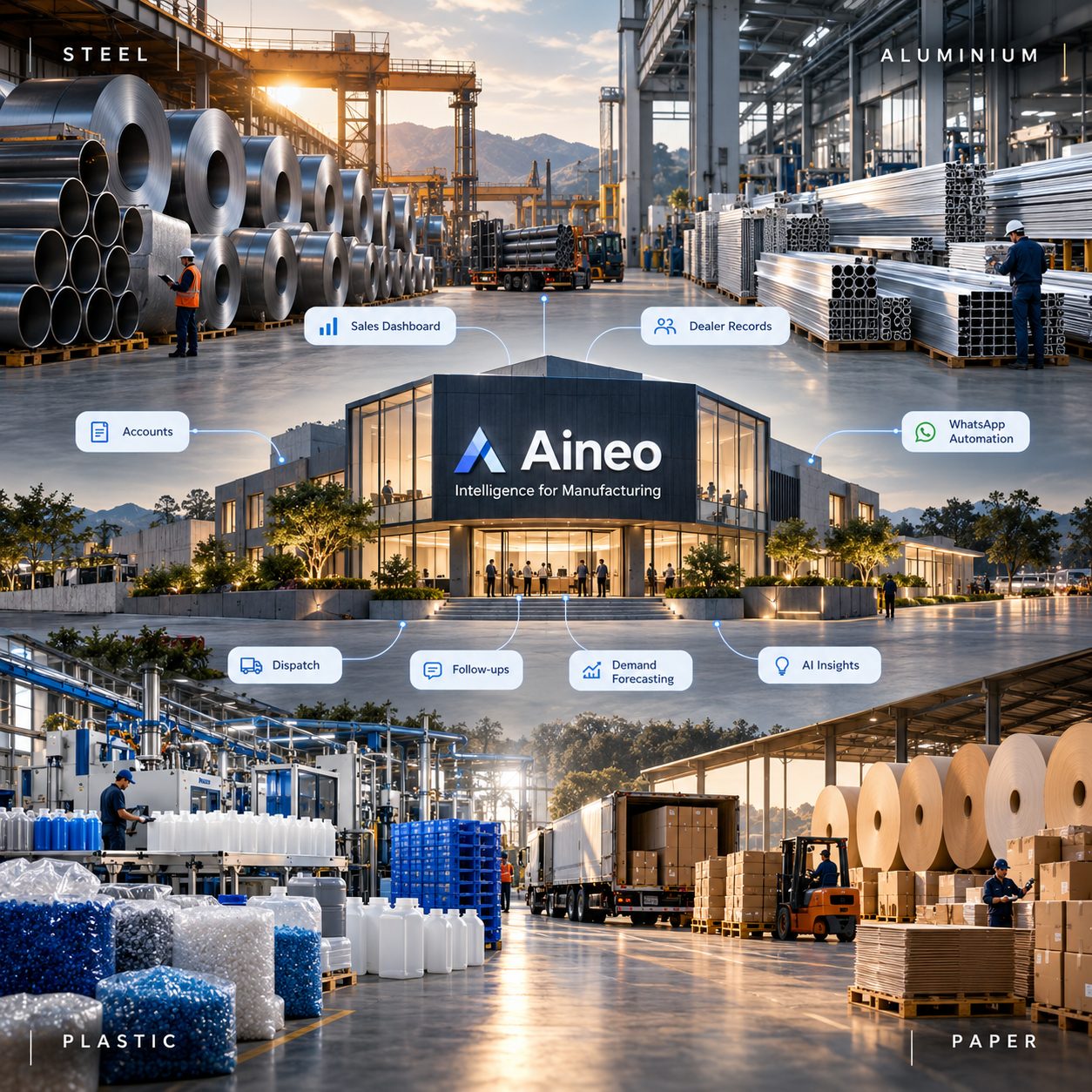
Explore →Field visits, dealer orders, approvals and dispatch usually live in different hands. aineo ties them into one mission-control view, so every order is traceable from the first visit to the truck leaving the plant.
 1Mission-control view
A collections agent chases overdue payments and flags short loads at the gate.
1Mission-control view
A collections agent chases overdue payments and flags short loads at the gate.
Sales teams take orders on visits, approvals wait on calls, production plans in a sheet, and dispatch has no idea what was promised.
aineo connects the field, the office and the plant: orders are logged with the dealer's history, approvals follow your credit rules, and every truck is checked at the gate.
Management finally sees the whole chain — and where it's stuck — on one screen.
Visits and orders logged on the spot, with every dealer's history in view.
Explore →Credit limits applied automatically; production tracked against promised dates.
Explore →Every truck matched to its order at the gate; dues chased until collected.
Explore →Coils, bars and sections — orders to dispatch.
Profiles and extrusions tracked by dealer.
Batches, orders and deliveries in one flow.
Rolls, cartons and dispatch schedules.
Orders, credit and dues per dealer.
Production and dispatch on one screen.
Every step from the sales visit to the truck at the gate.
Dealers, products, credit rules and approvals set up.
Orders, stock and invoices synced with what you run.
Collections and gate-check agents switched on.
Yes — we connect to your ERP or Tally rather than replacing it.
Yes — visits and orders are logged from a mobile app.
Each truck is checked against its order before it leaves — short loads are flagged and held.
Yes — dealers can see their orders, dispatches and dues.
Tell us how an order moves today. We'll show you how to trace it end to end.